Appearance
12 palettes, light and dark
Each palette has its own designed light and dark version; charts and room colours follow it.
Choose one in Settings › Appearance. Click a colour to preview it.
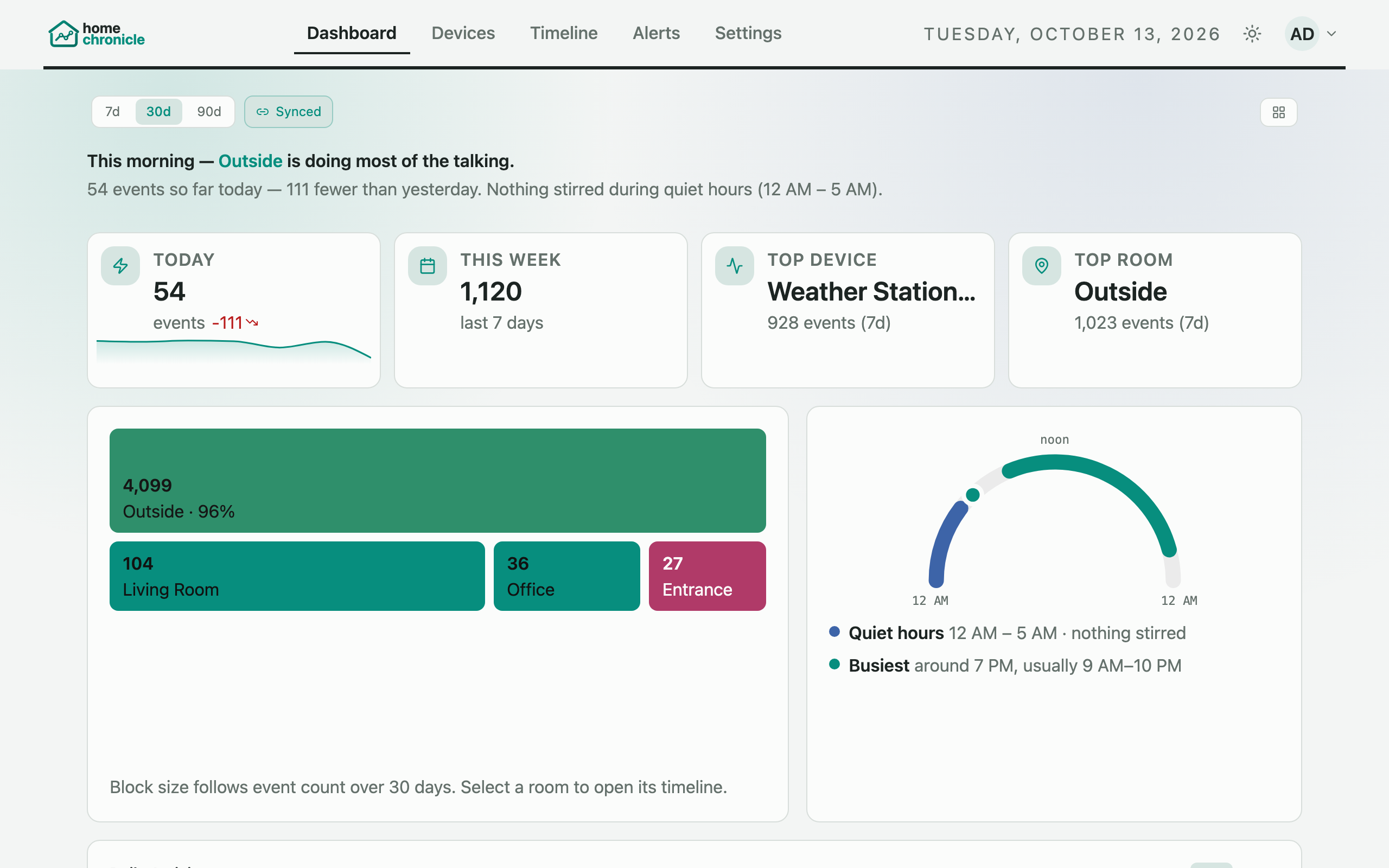
Explore homechronicle's full feature set across twelve colour palettes, dark mode, device analytics, and mobile views. Screenshots are from v0.4.
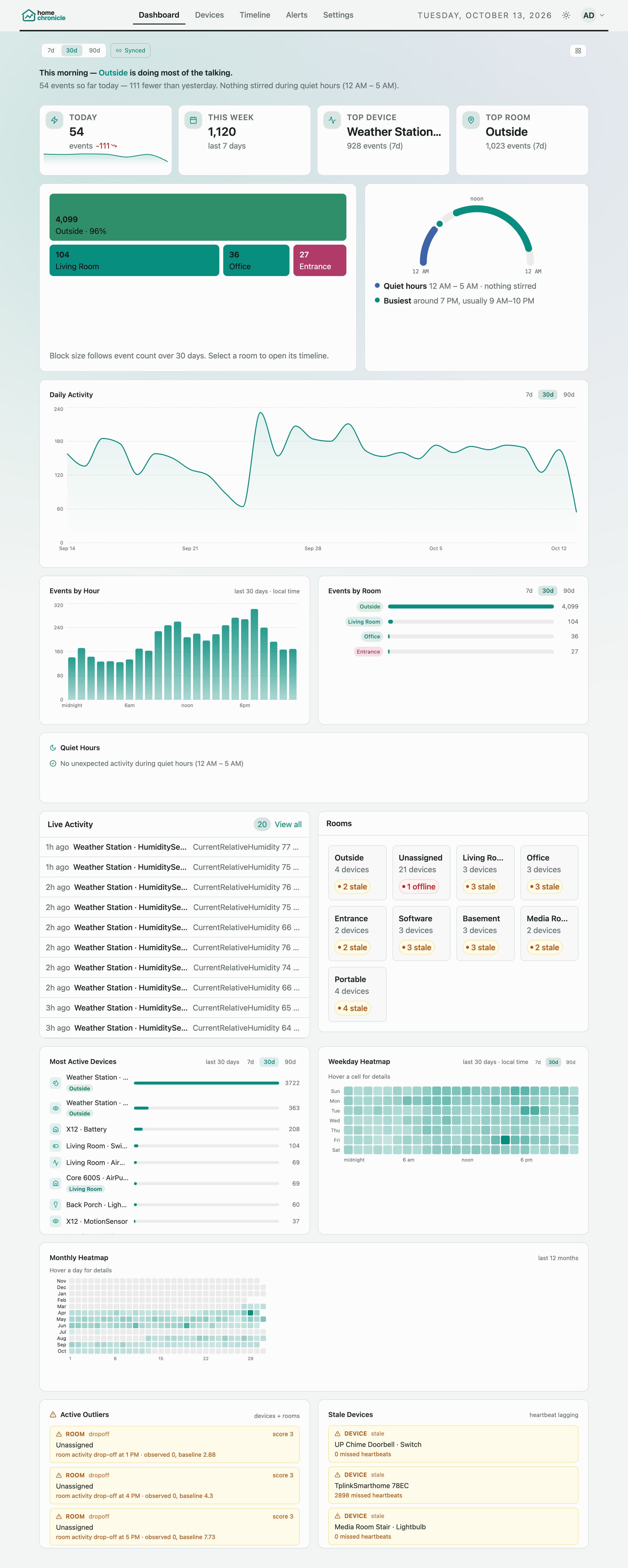
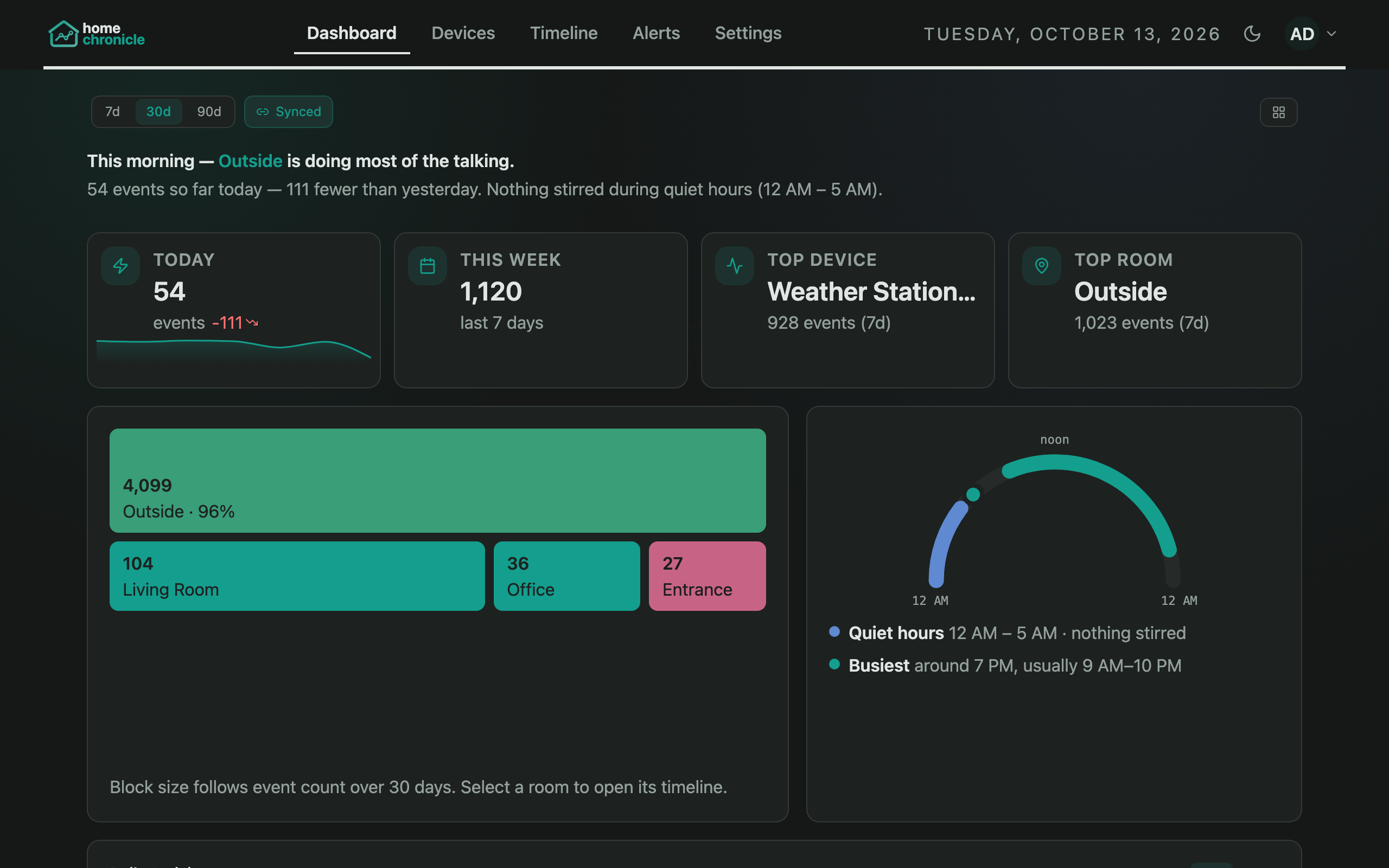
All 15 default panels, from the house summary and room map down to outliers and stale devices. Drag, resize, or hide any of them, and add 12 more.
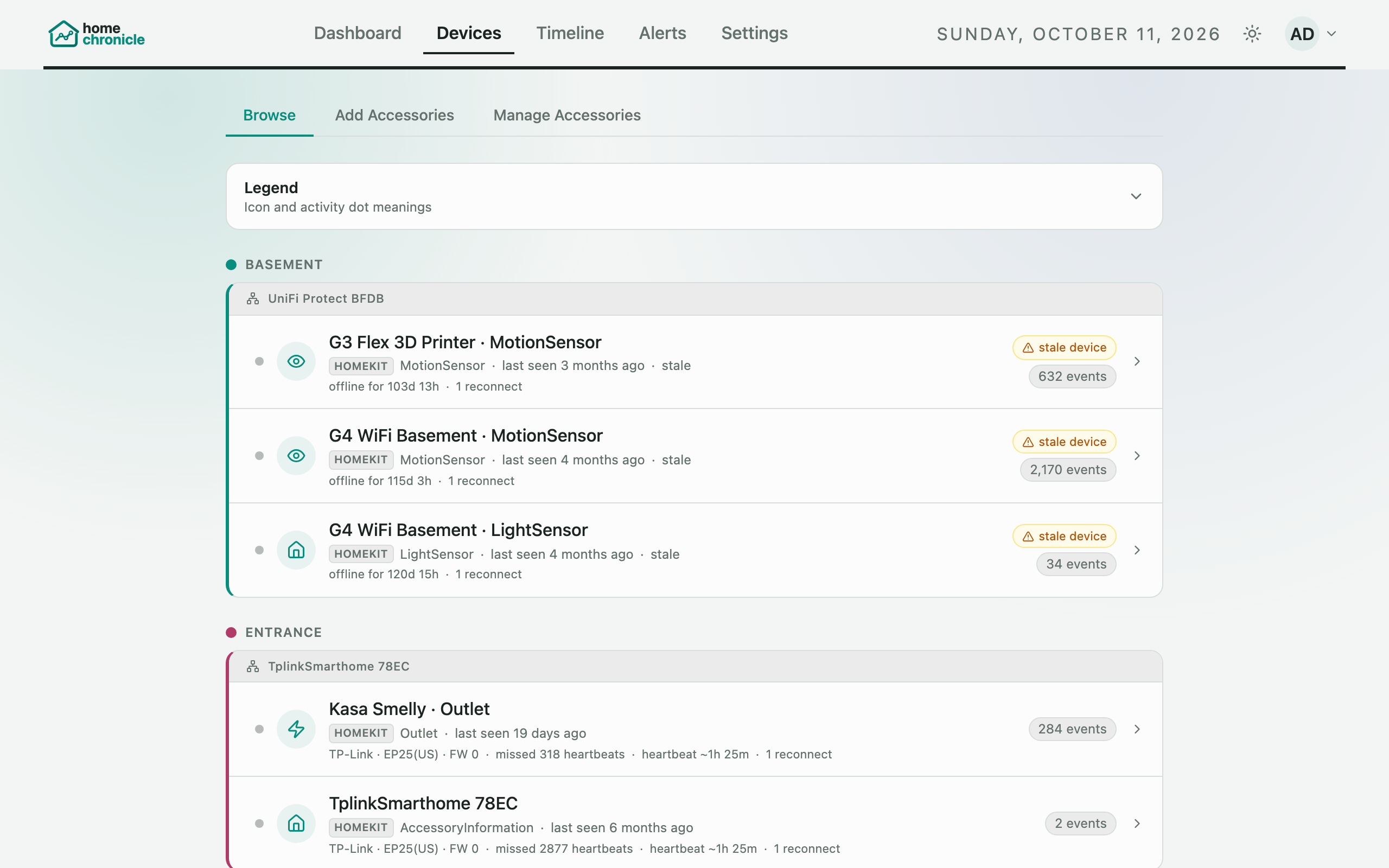
Every HomeKit and Matter accessory in a table per room, with status, event count, and heartbeat.
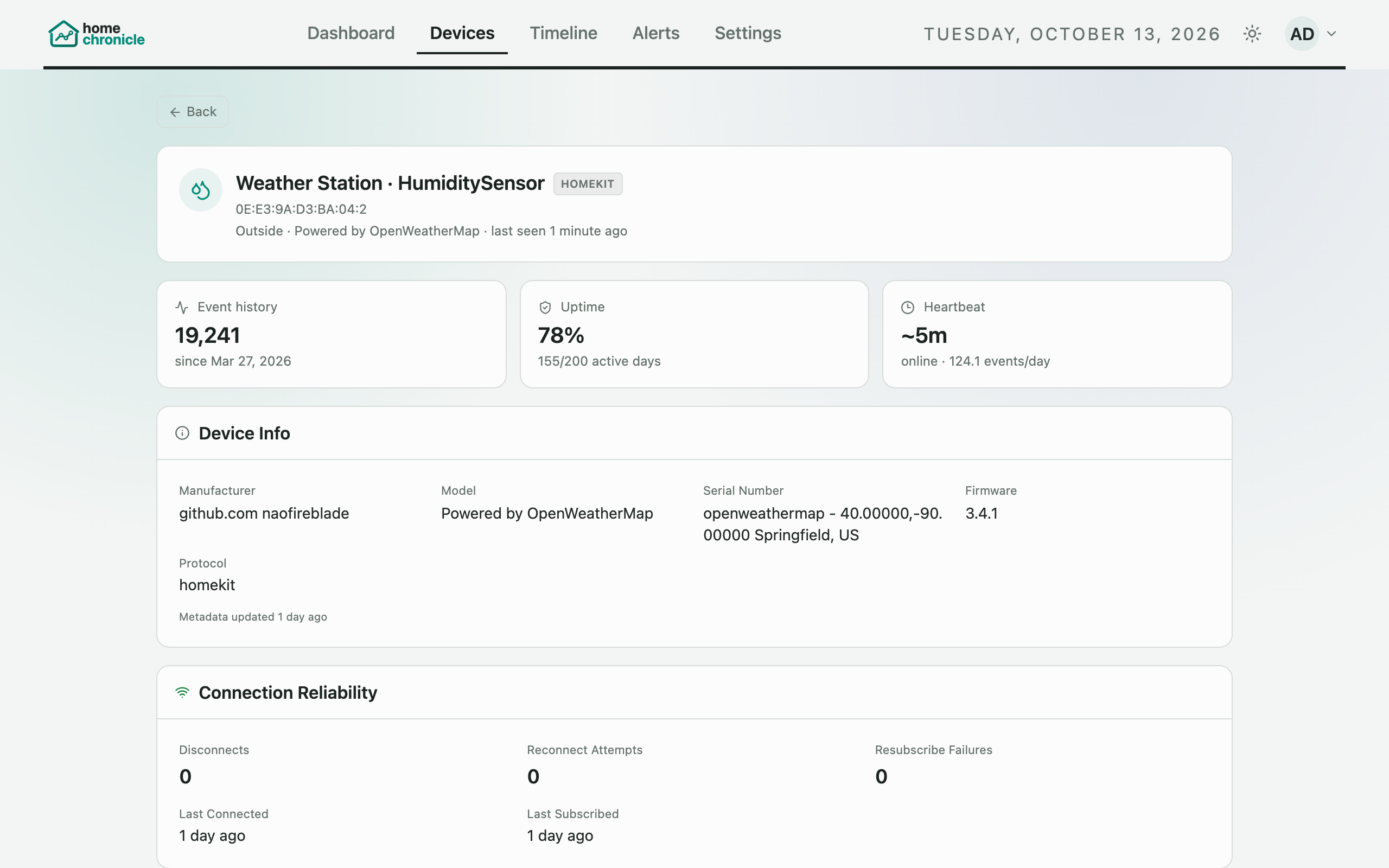
One accessory up close: recent events, activity charts, connection reliability, and device metadata.
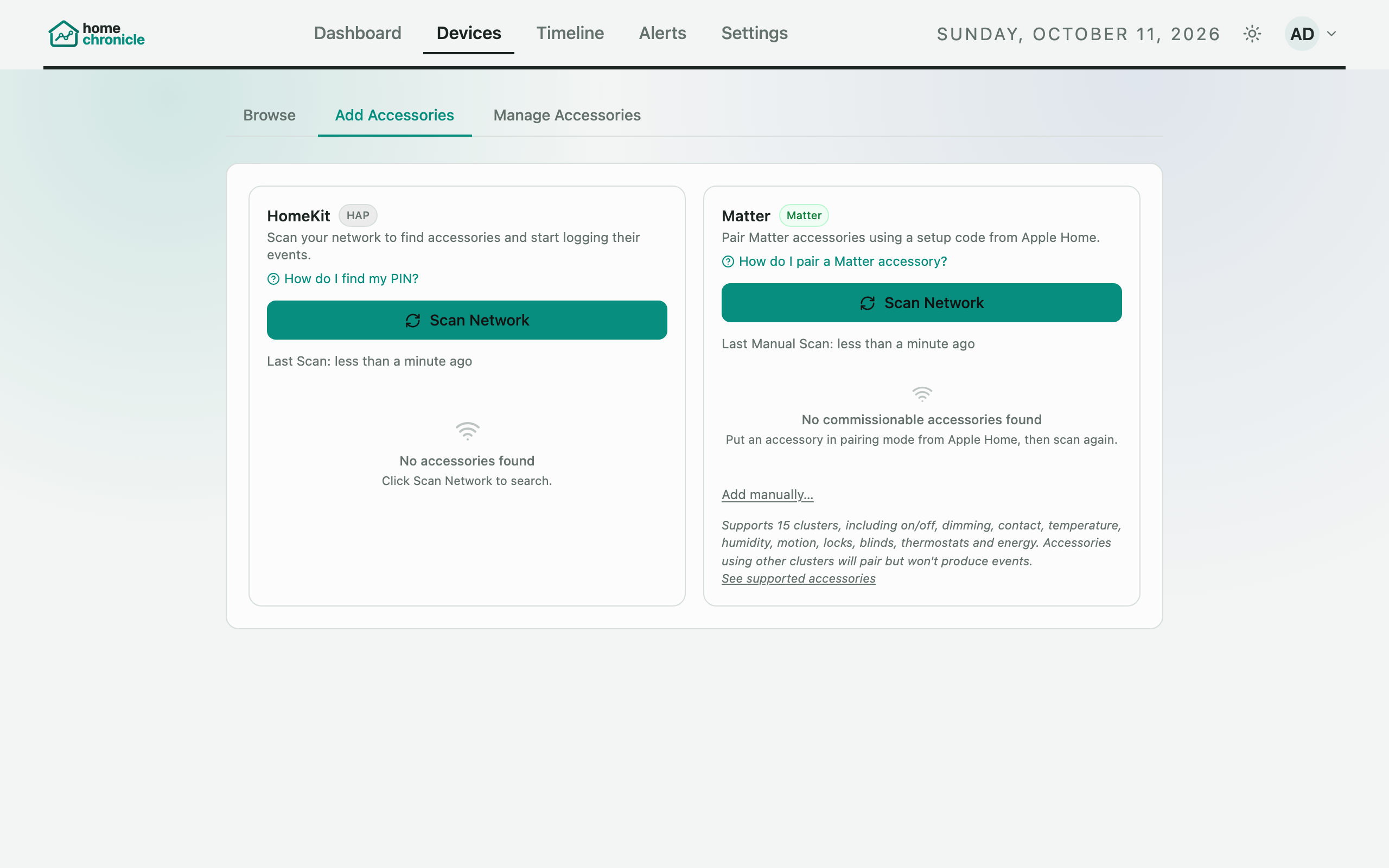
Discover HomeKit accessories via mDNS and pair with their PINs, or commission Matter devices, from the browser.
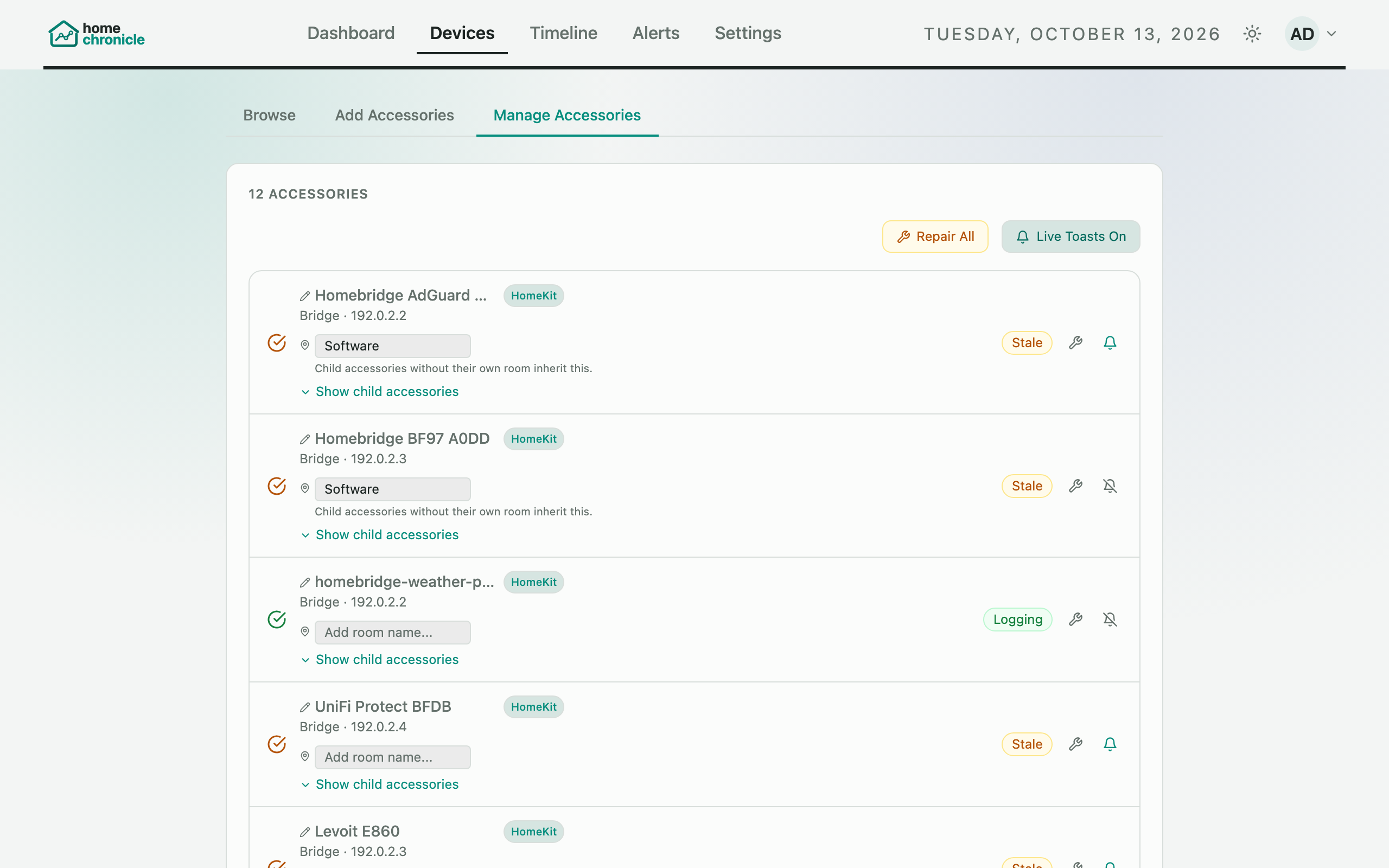
Assign rooms and display names, expand bridges to their children, and repair or remove pairings.
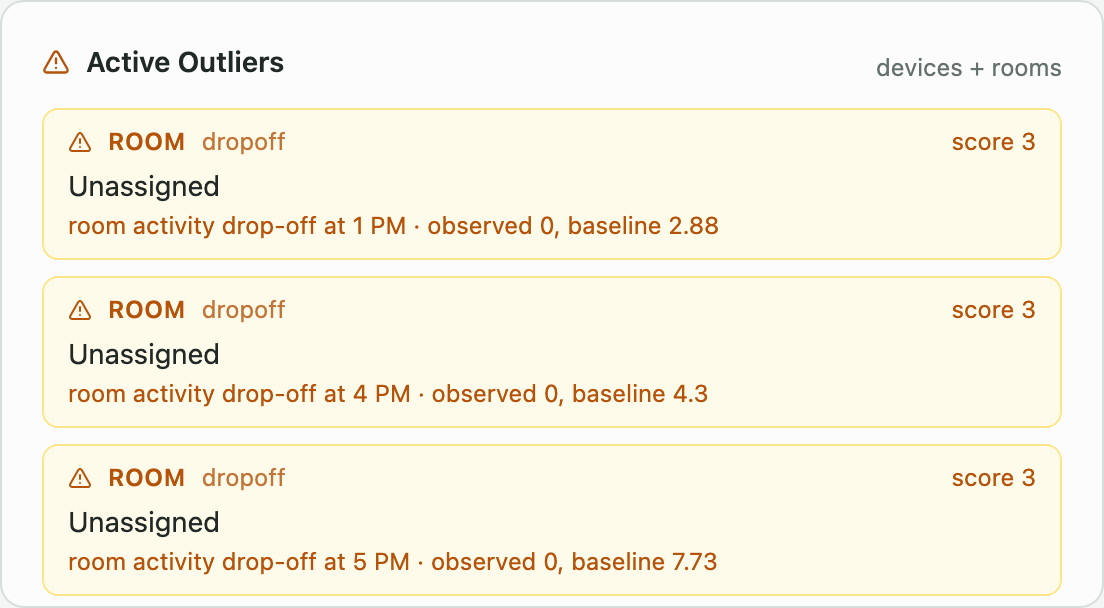
Accessories behaving unusually compared with their own baseline, with the hours shown in your local time.
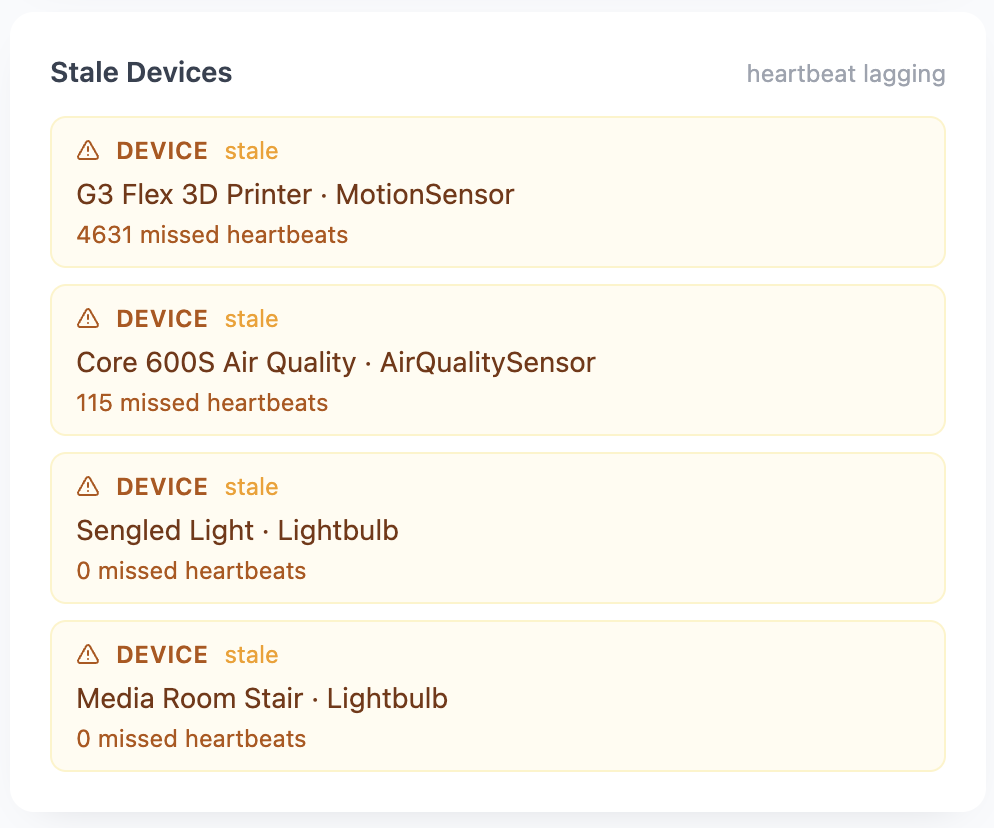
Accessories that have gone silent beyond the stale threshold, with when each was last heard from.
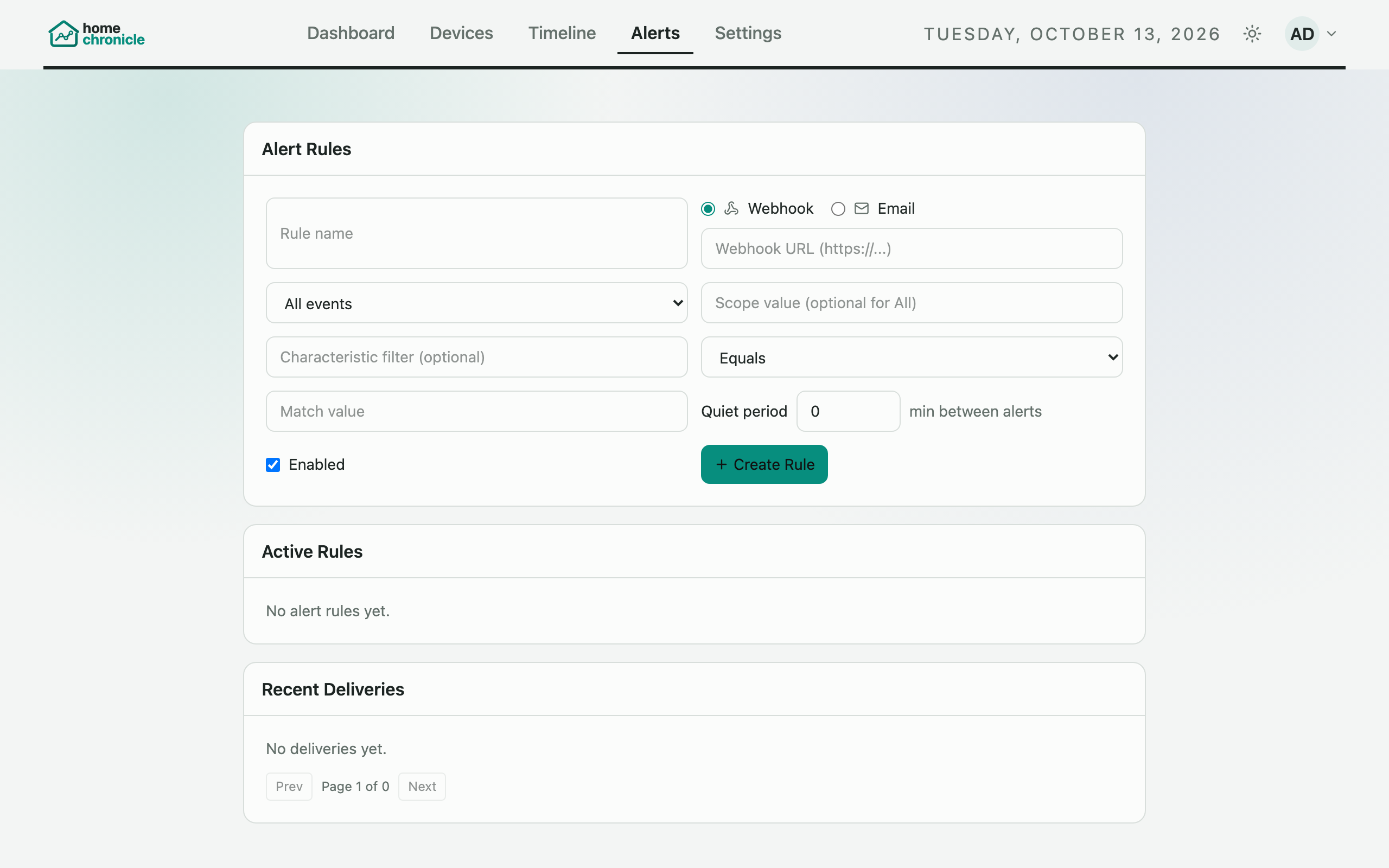
Send a webhook or an email when an event matches a rule, for HomeKit and Matter devices alike. Quiet periods stop repeats, and every delivery is logged.
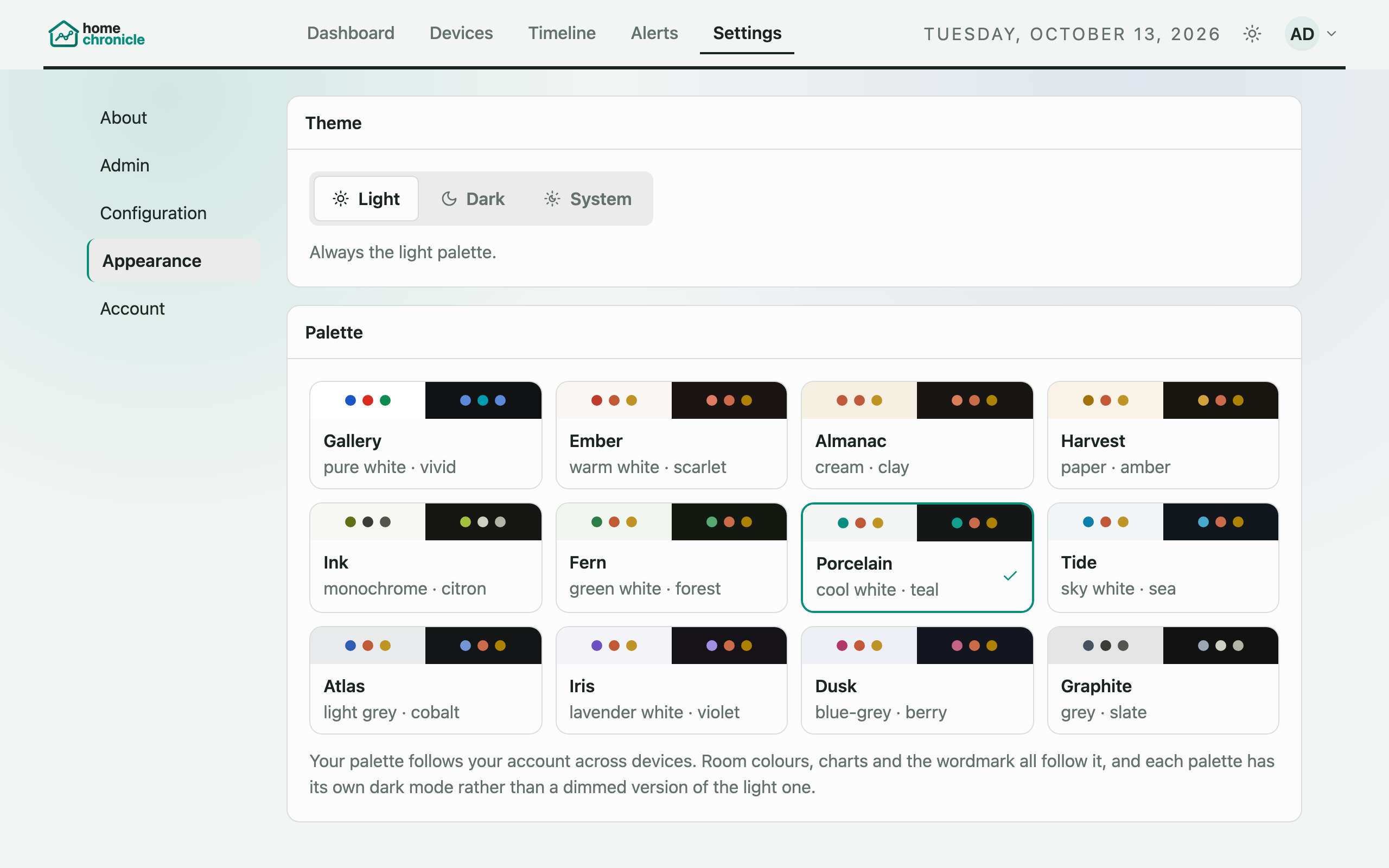
Pick Light, Dark, or System and one of twelve palettes. Signed in, your choice follows you to every device.
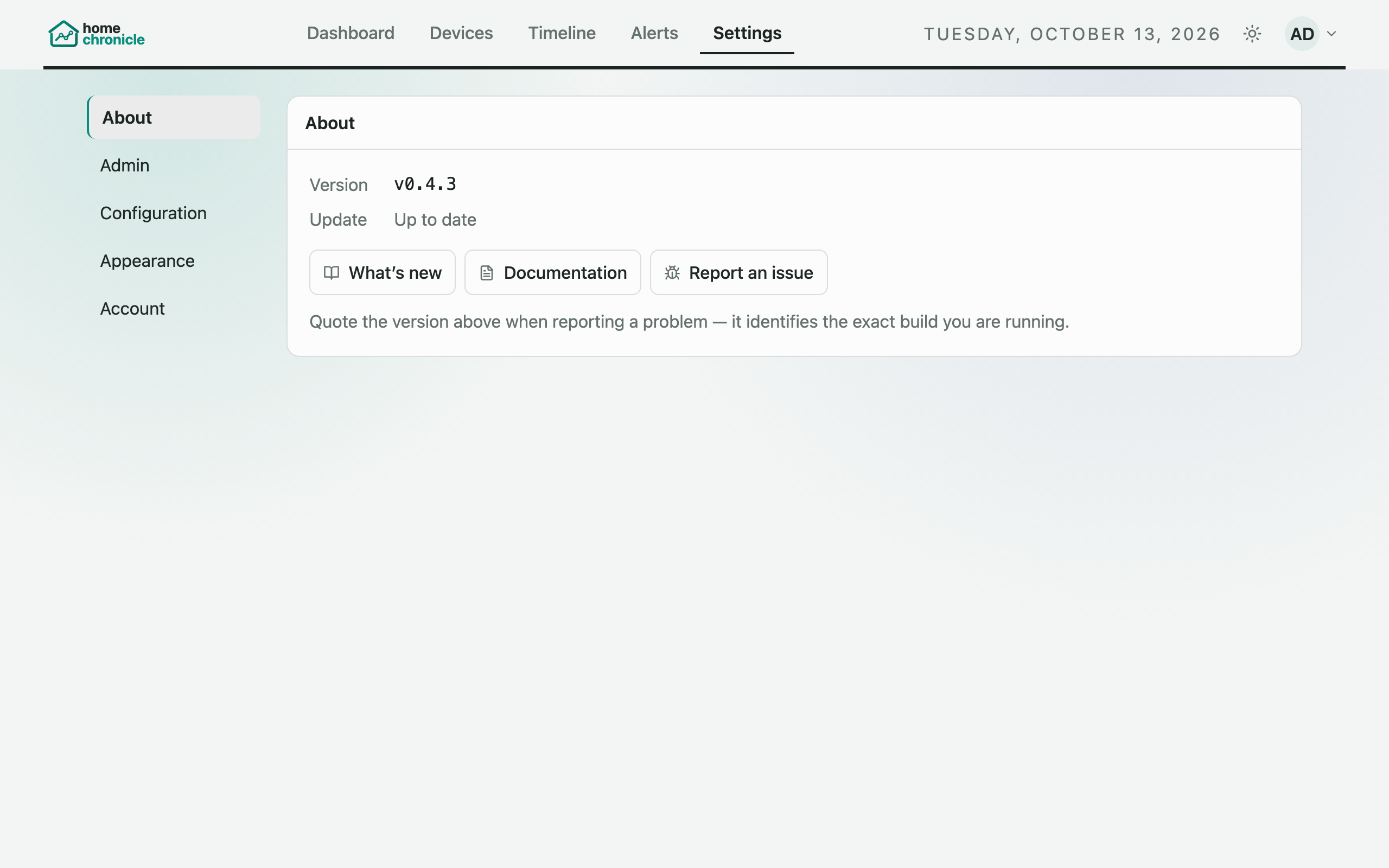
Your version and whether a newer release is out. The check runs through the listener, so your browser never contacts a third-party site.
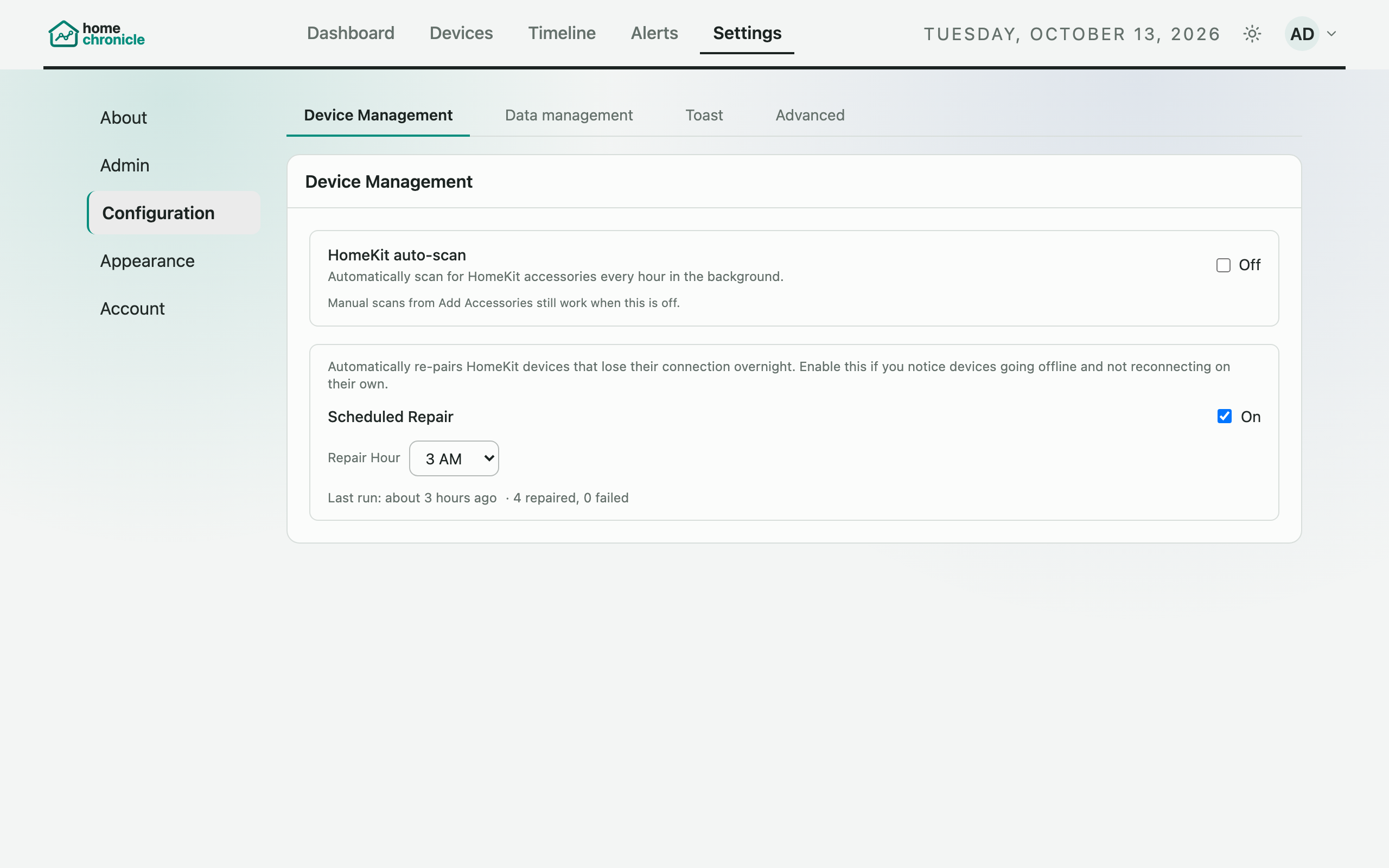
Let the listener re-pair disconnected HomeKit devices on a schedule, alongside the other device-management settings.
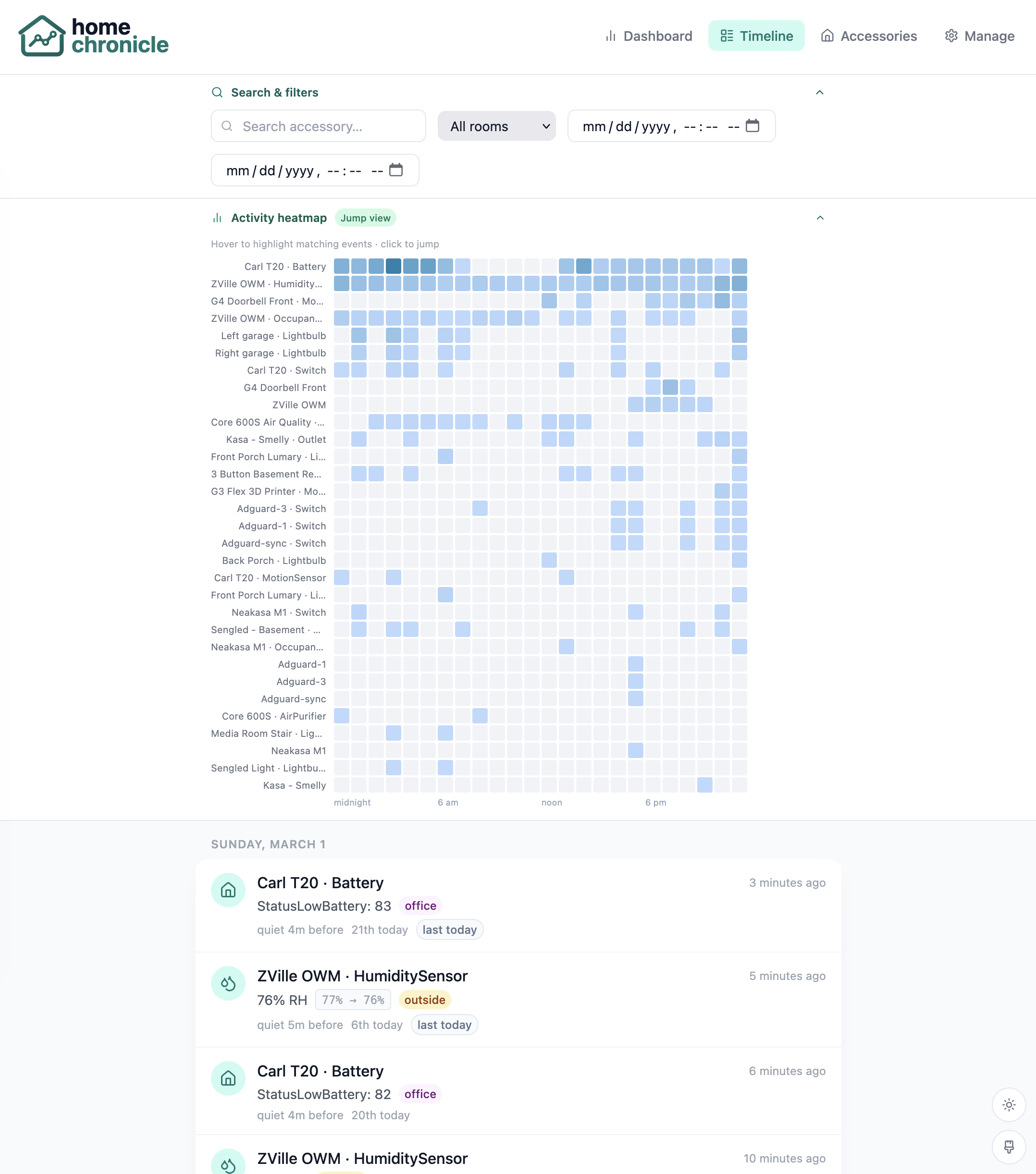
Filter the timeline by room, accessory, or characteristic, and click the activity heatmap to jump to a moment.
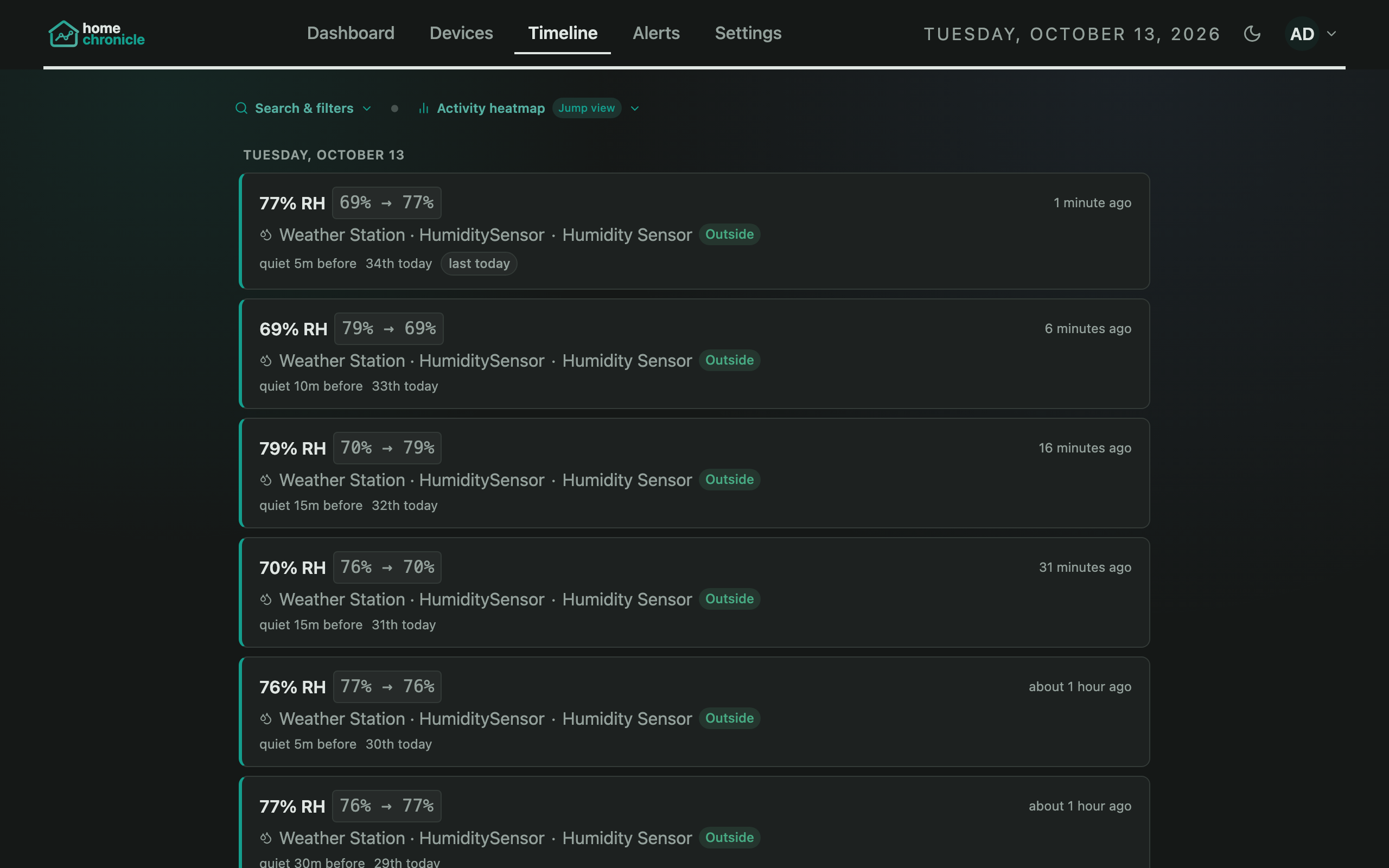
Entries lead with what happened, with the device and room underneath.
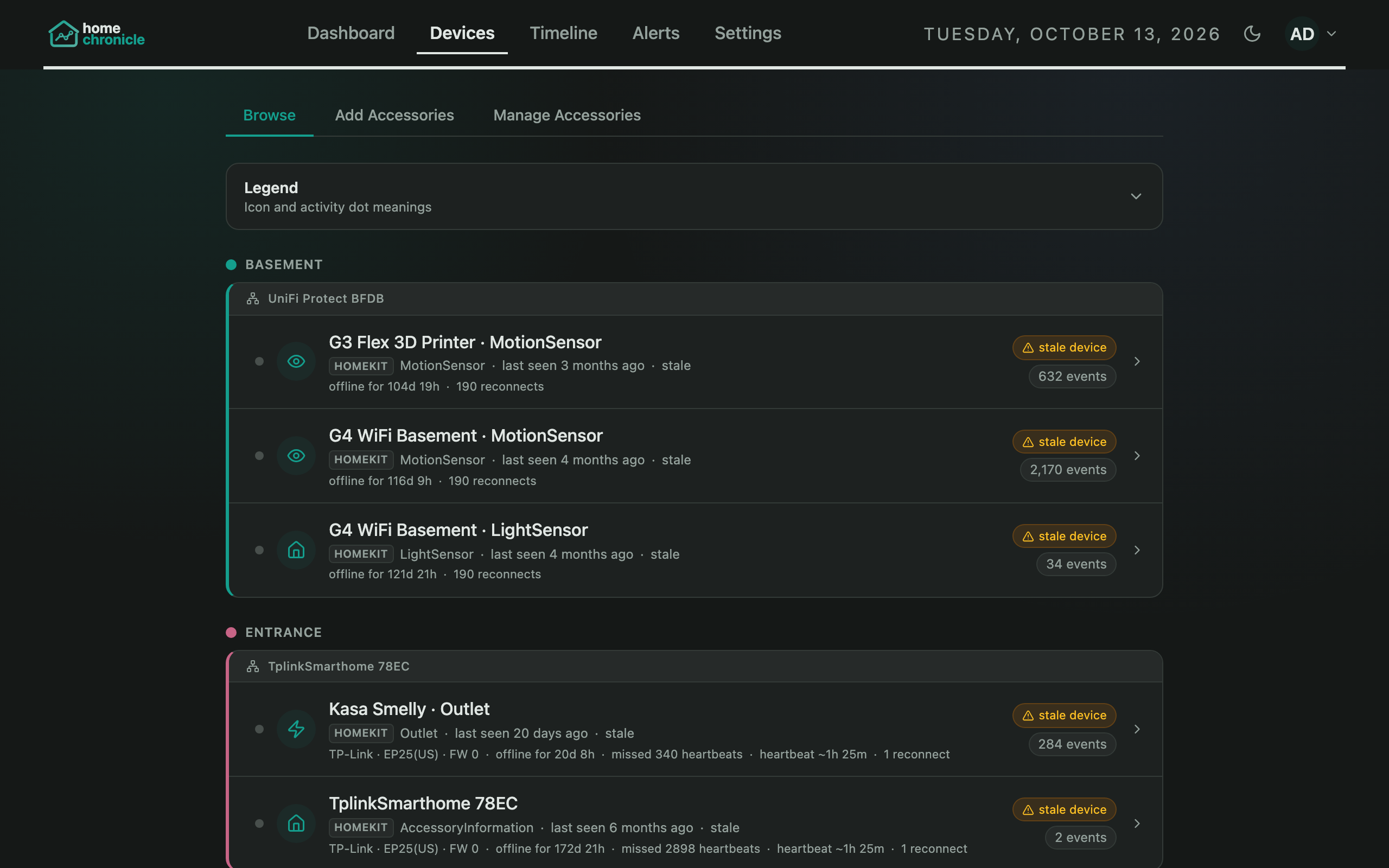
Per-room device tables with status and heartbeat.
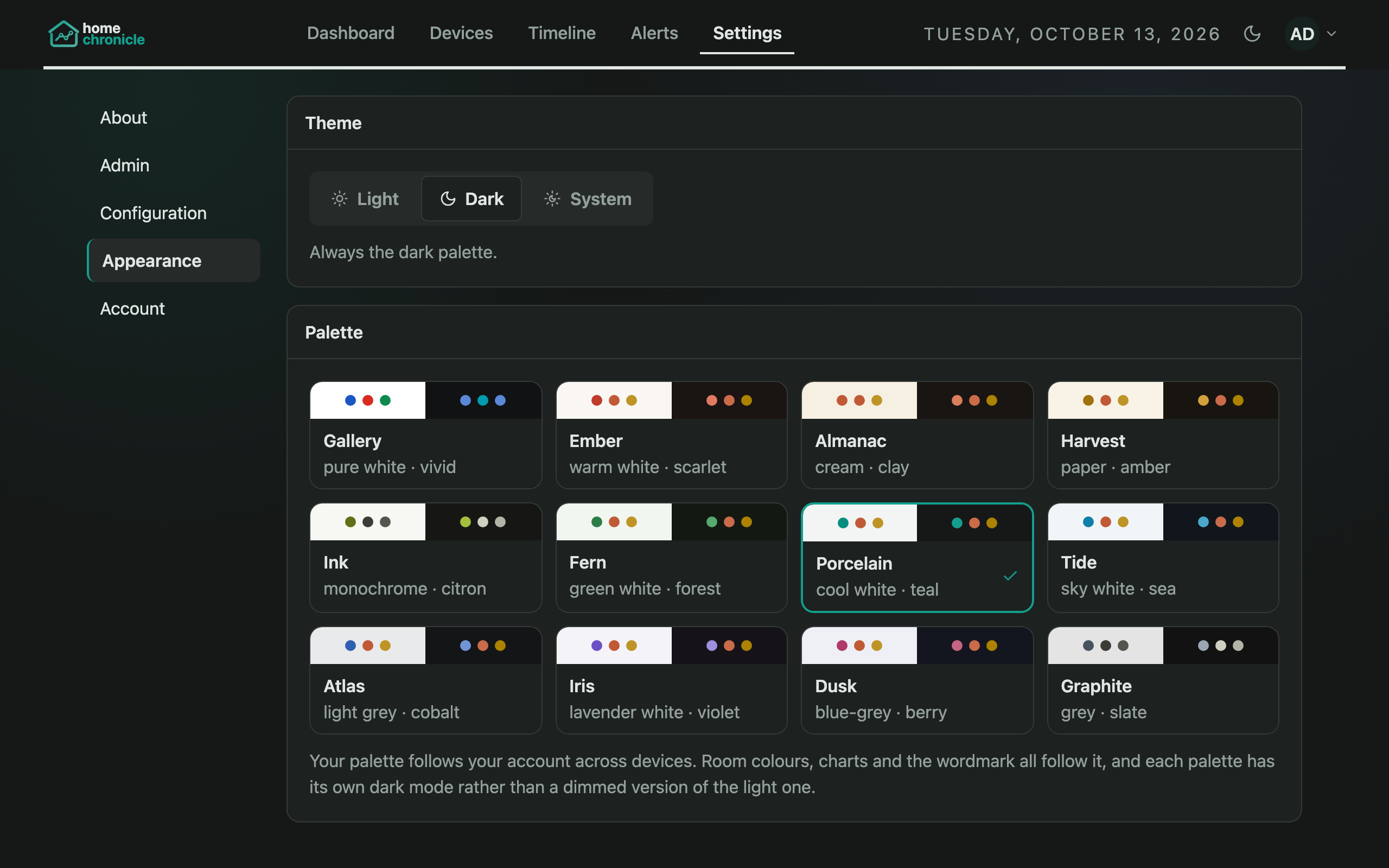
Appearance, configuration, accounts, and email, all themed.

Full analytics on mobile

Dark mode on mobile

Scrollable event feed
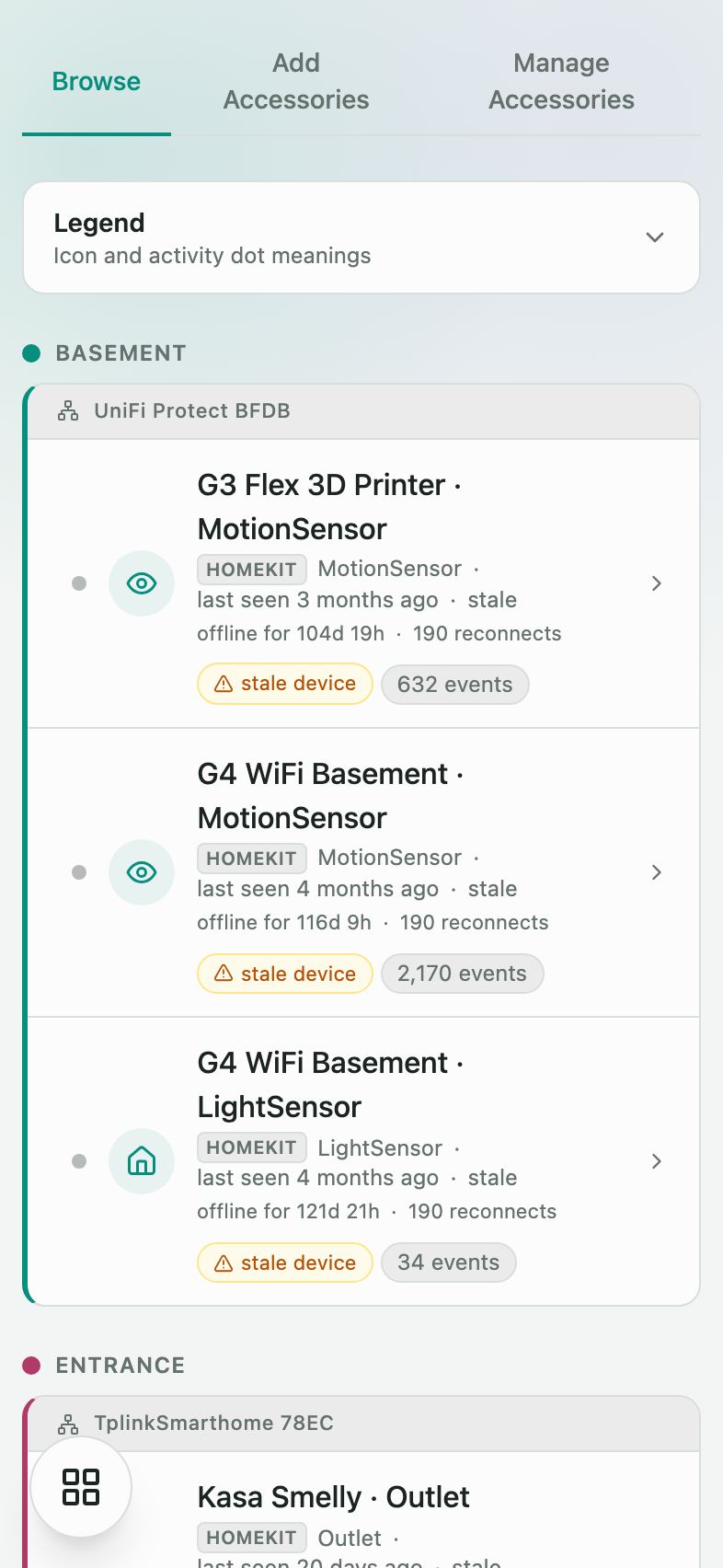
Device inventory on the go